A code reviewer that argues with itself before it touches your code.
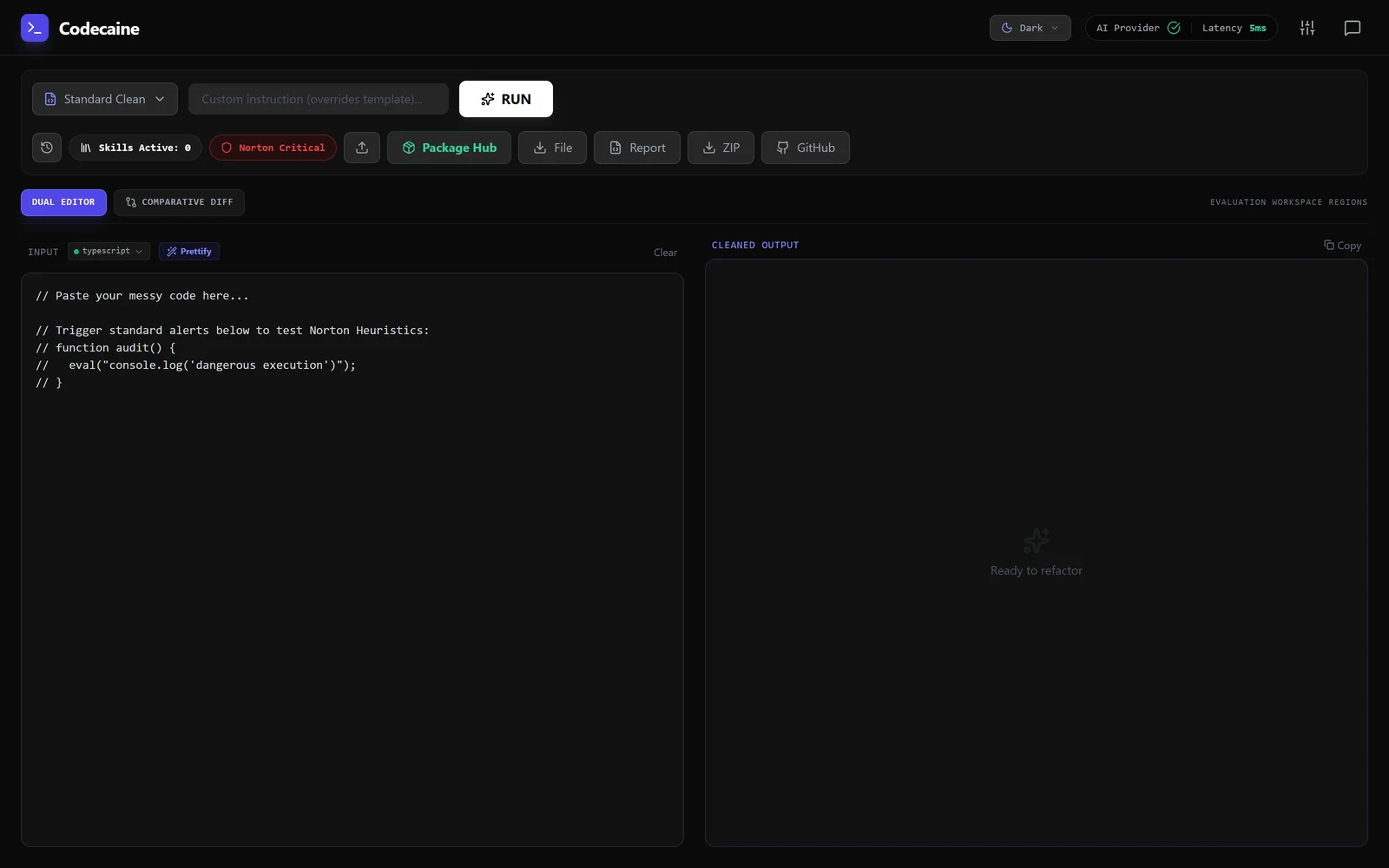
Paste, upload or pull a repo, pick a template, and read the cleaned result beside the original or as a diff. What makes it different from a linter is the two layers around the model: a heuristic shield that reads the code before anything is sent, and a skill library you compose per run.
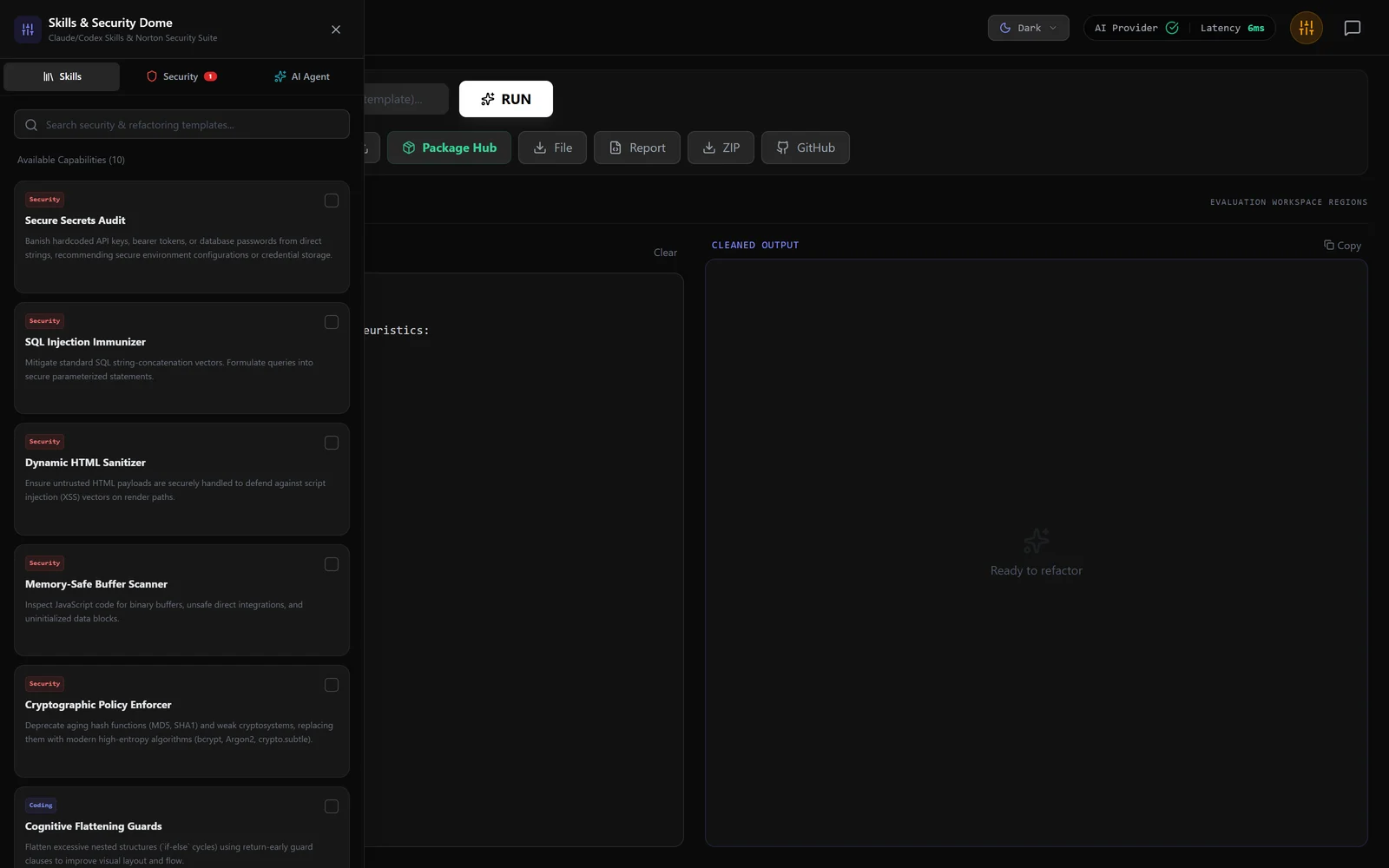
- Skills & Security Dome — ten capabilities toggled per run, each with the bad pattern and the fixed one side by side
- Norton heuristic shield — five local rules that match before a request leaves the machine
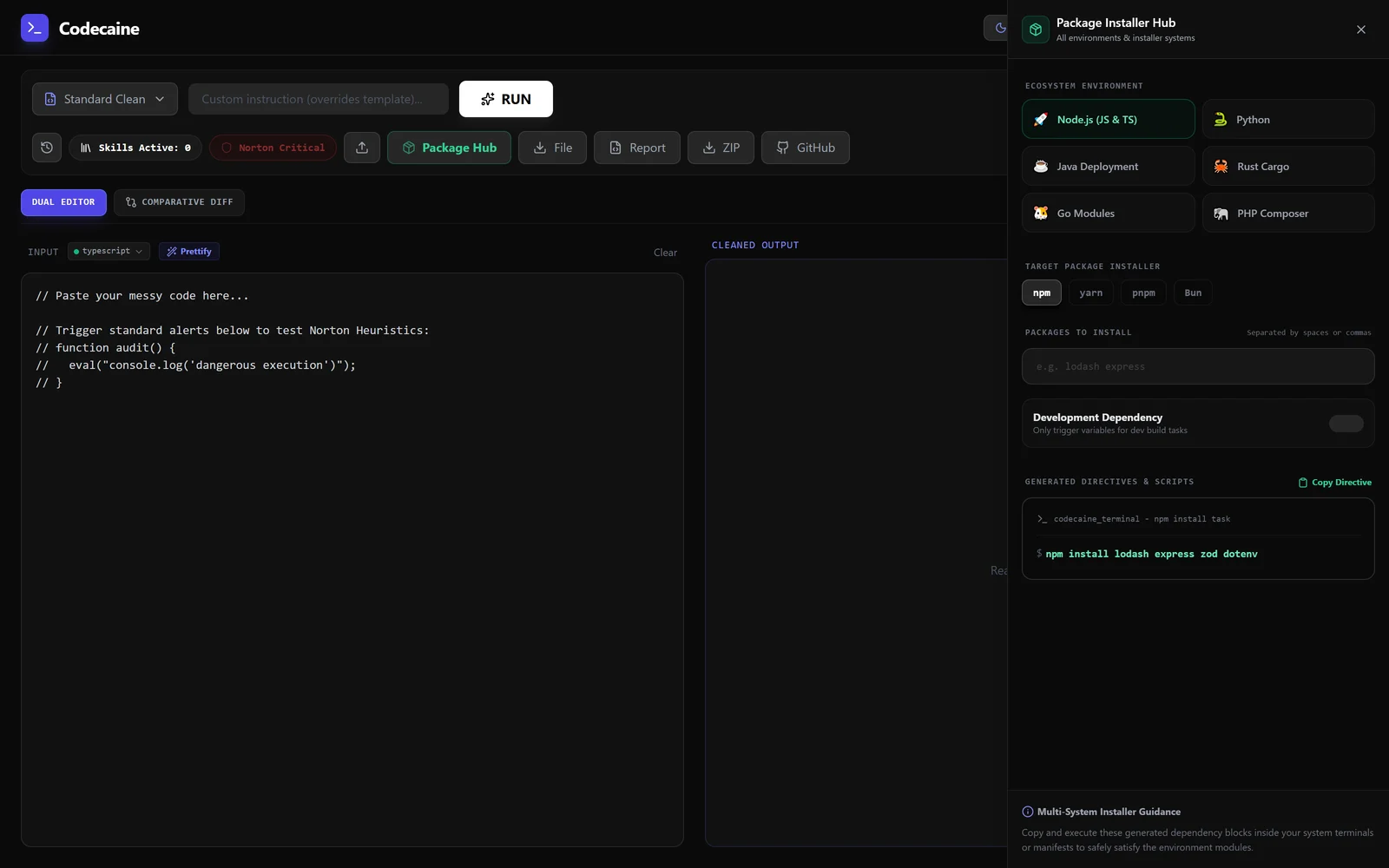
- Package Installer Hub — six ecosystems, four Node installers, copyable install directives
- Quality analytics — maintainability, complexity, security and readability, scored per run
- Version history, ZIP and GitHub ingest, exportable report
The Gemini version is available now as Codecaine Gemini. The local version is coming soon.
More apps
CCO Studio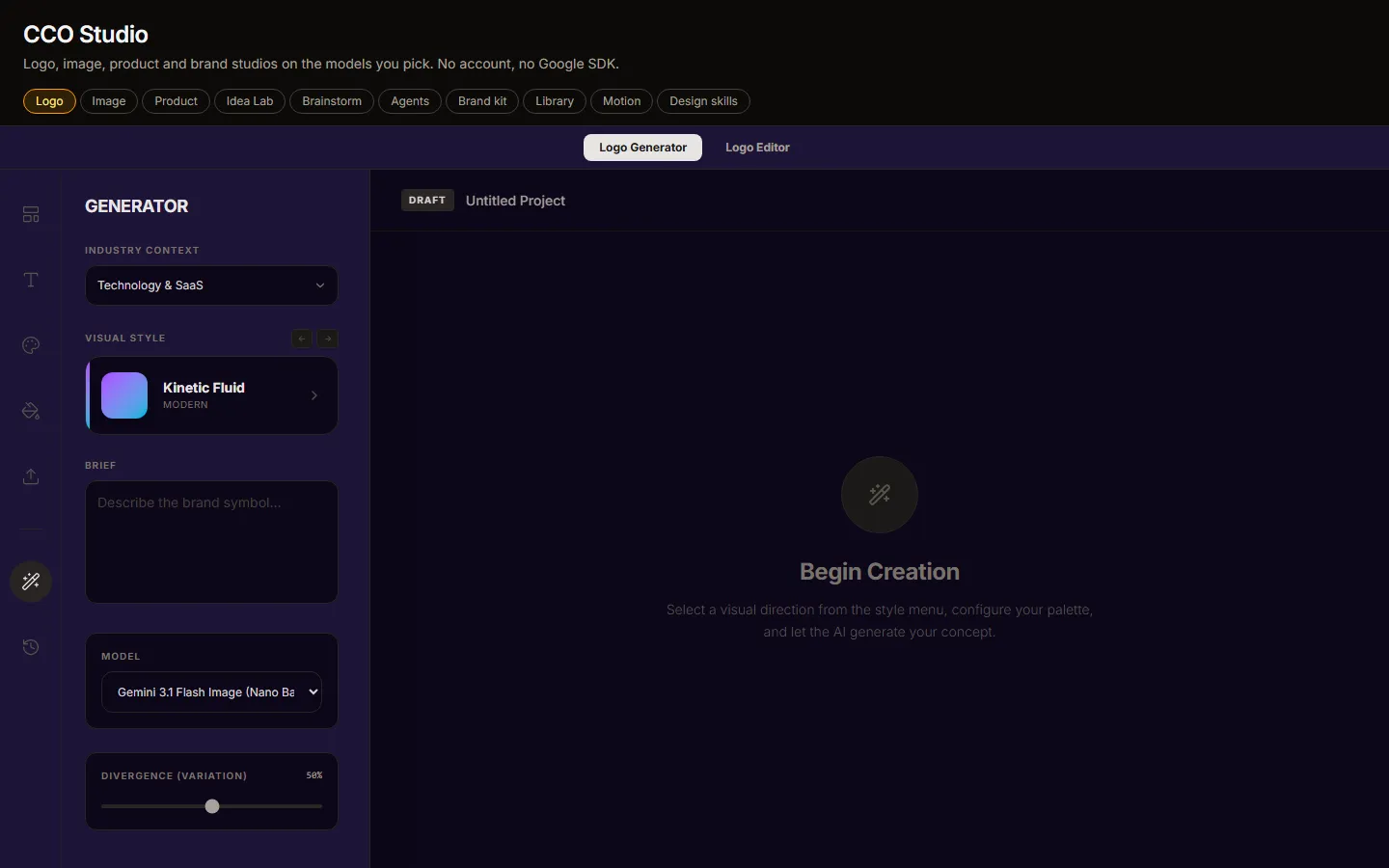 A creative department in one window.PortrAIt StudioNo screenshot yetA neural darkroom: re-render camera angles in 3D, then develop the print.ComfyRAM Manager
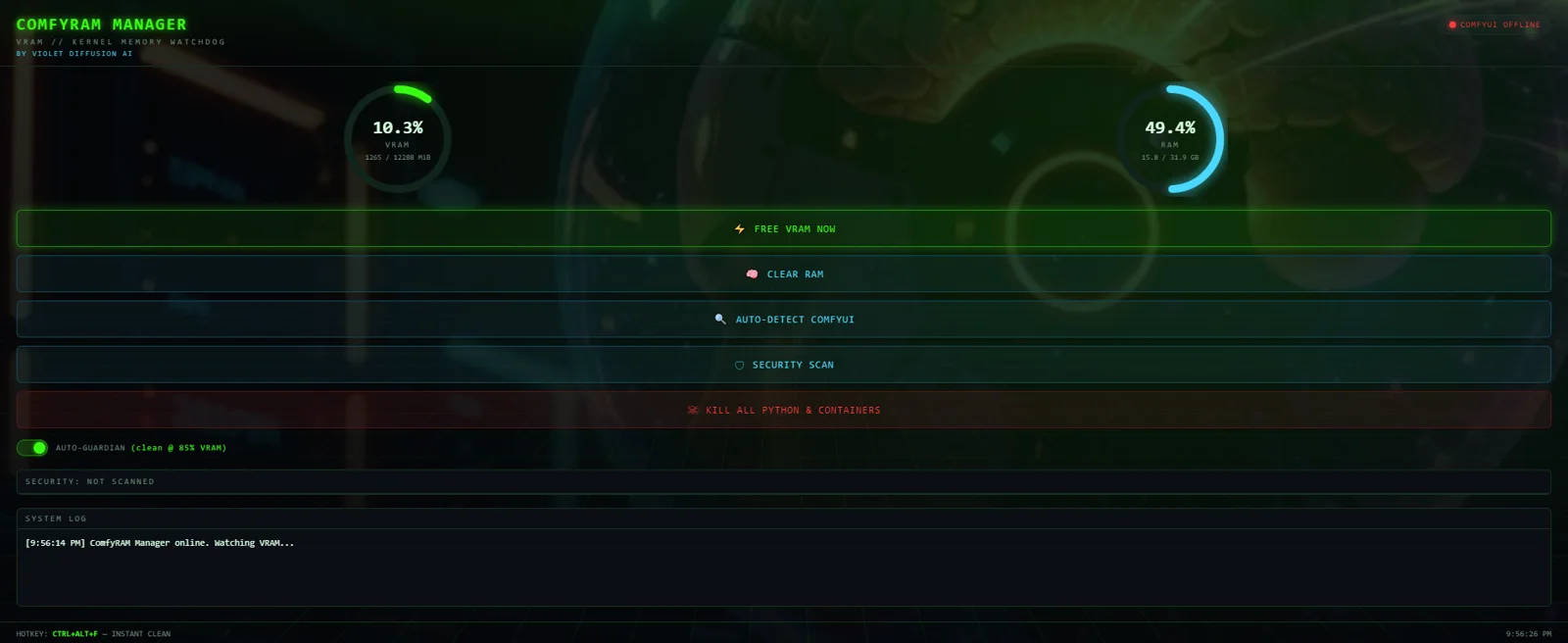 Frees the memory ComfyUI is still holding, before the next run fails.bashme
 Holds what an agent wants to run until a person agrees.Violet PairNo screenshot yetSend a generation job to whichever GPU in the house is free.Solar Violet Nodes
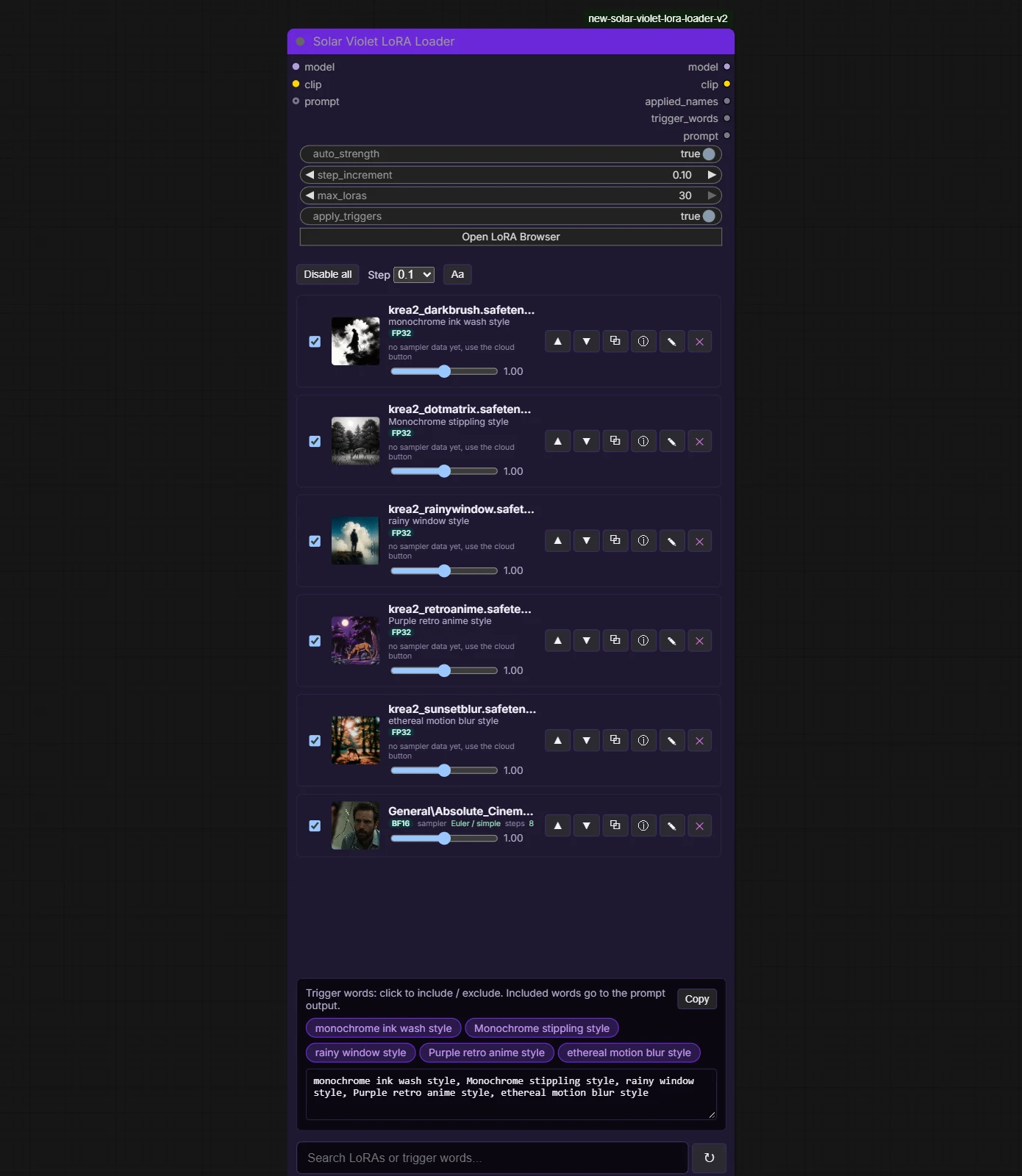 Typed loaders, a LoRA loader that scrolls and grows with your stack, and model browsers that find duplicates in every ComfyUI folder.Violet Wildcards
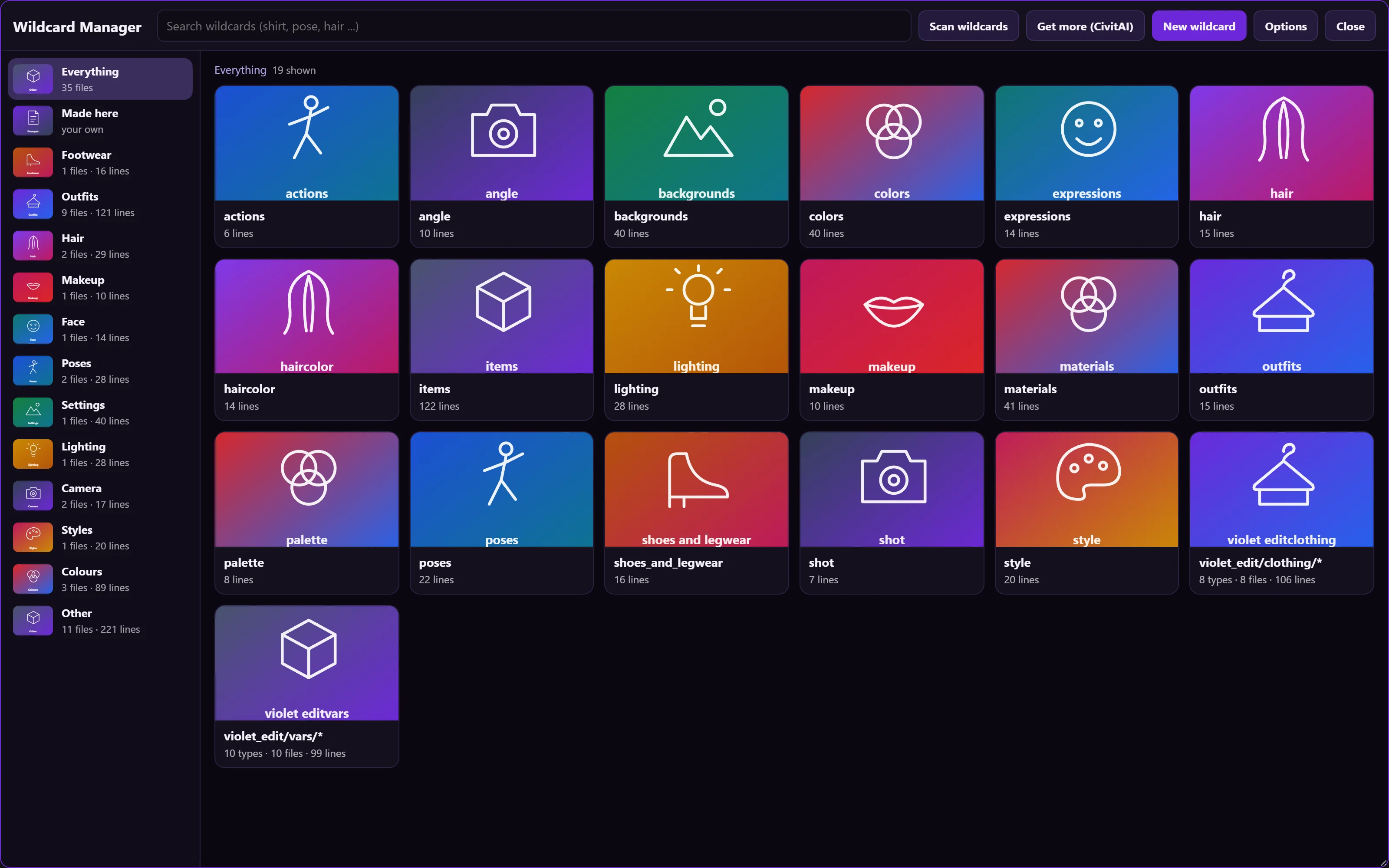 Find, write, test and use the word lists your prompts draw from. 35 word lists, ten picker slots.QuantaViolet
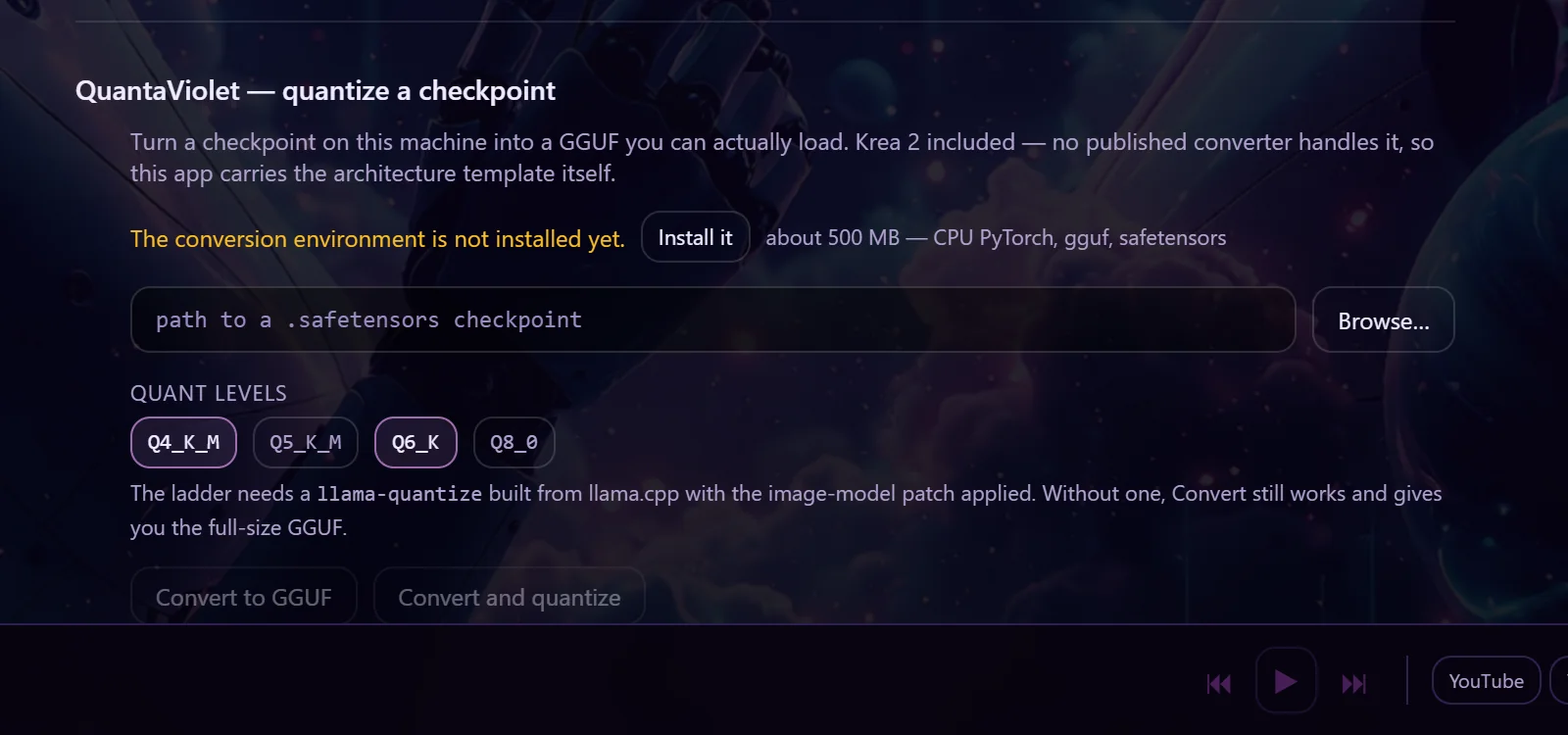 Turn a checkpoint into a GGUF you can load. Krea 2 included.Violet VaultNo screenshot yetSign in once. See what you own, what you can get and what is coming.Violet AssistantNo screenshot yetAsk why a workflow fails, what a node does, or where a model file belongs.VIOLYNKNo screenshot yetSend files, share the clipboard, show a screen, move one mouse across them.File SDM
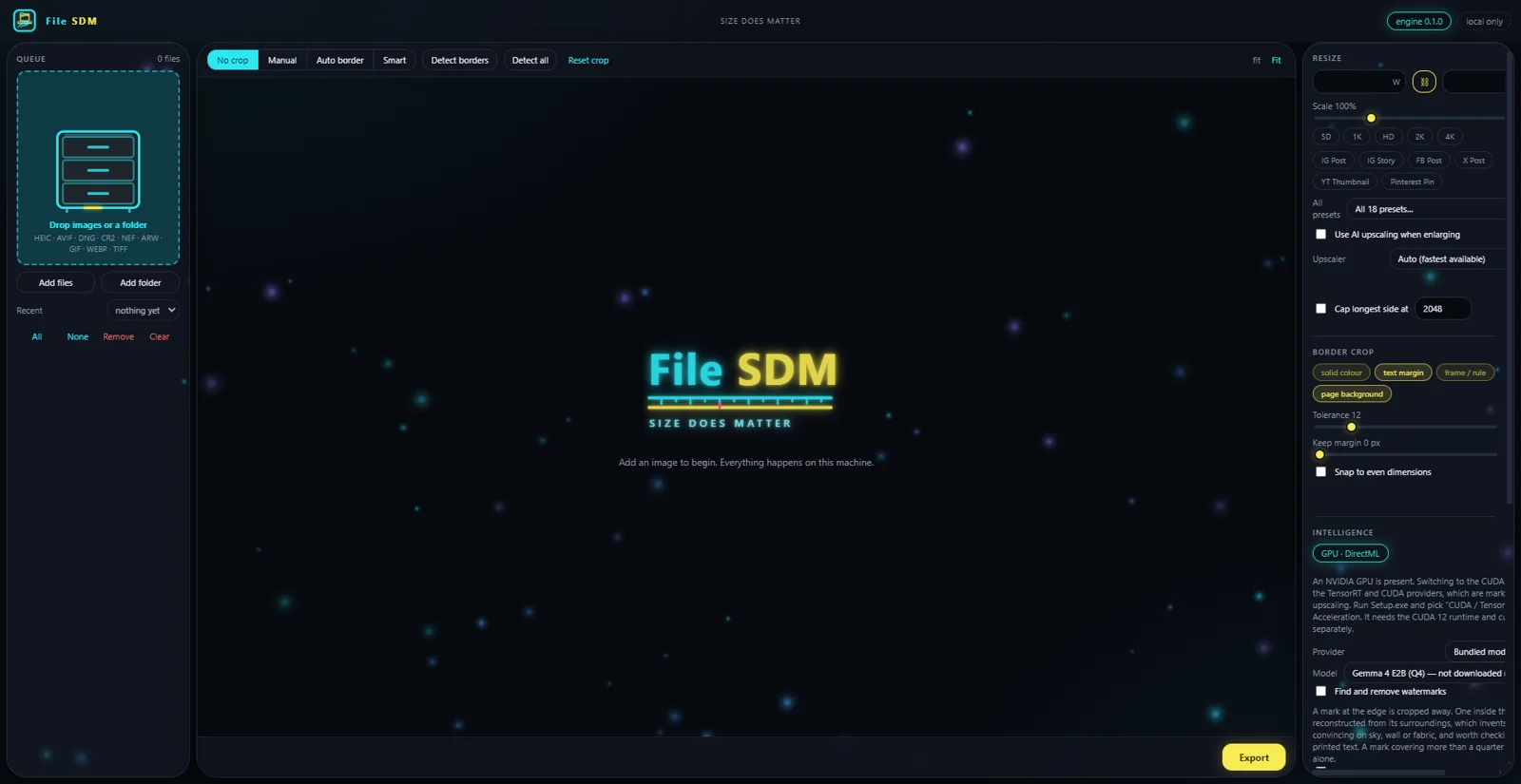 Size does matter. Resize, convert and crop a folder of images without any of them leaving the machine.ArtPi6
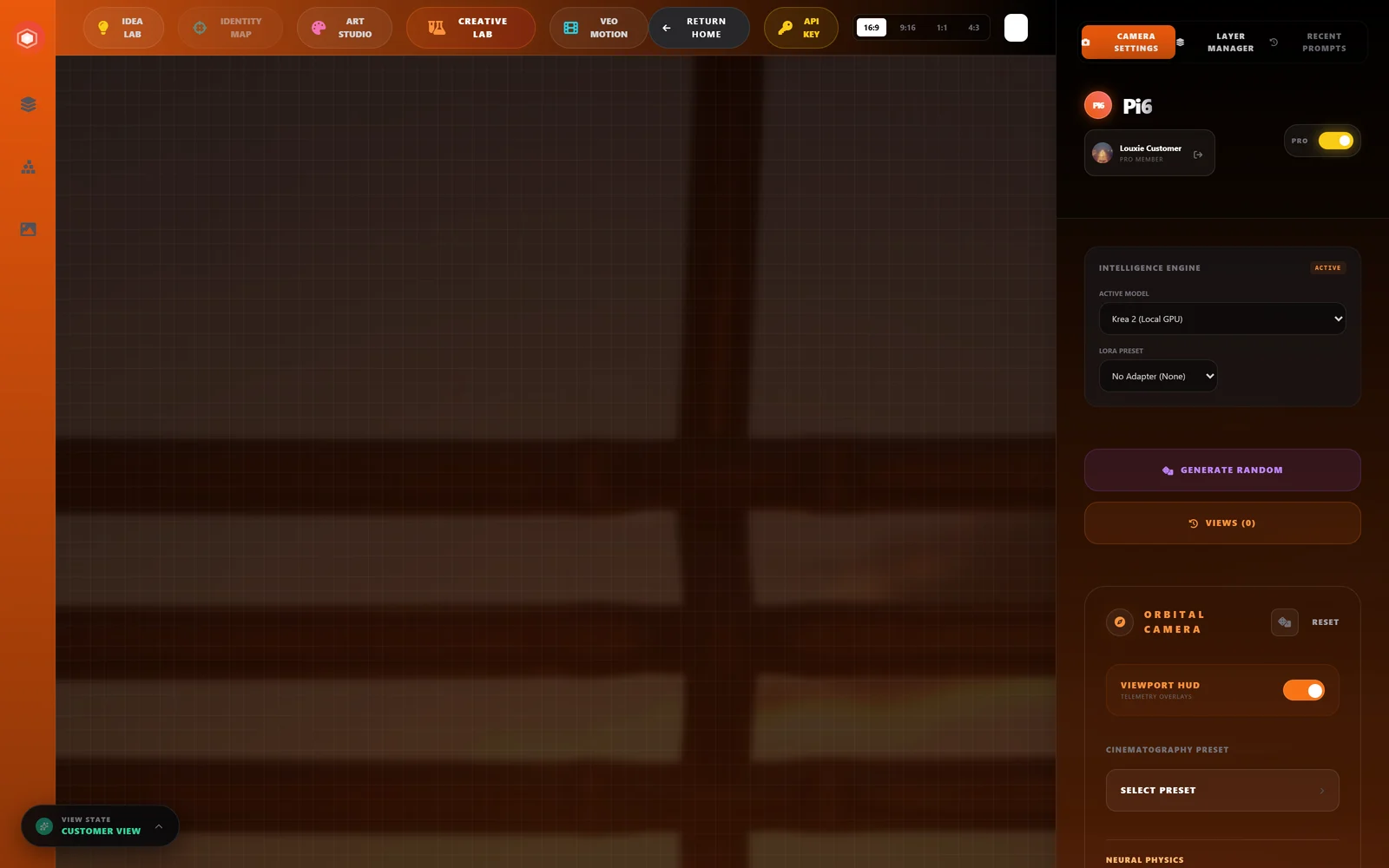 Angles, art styles, depth-map canvas, and an idea lab — one workspace, any model you have.GenFix
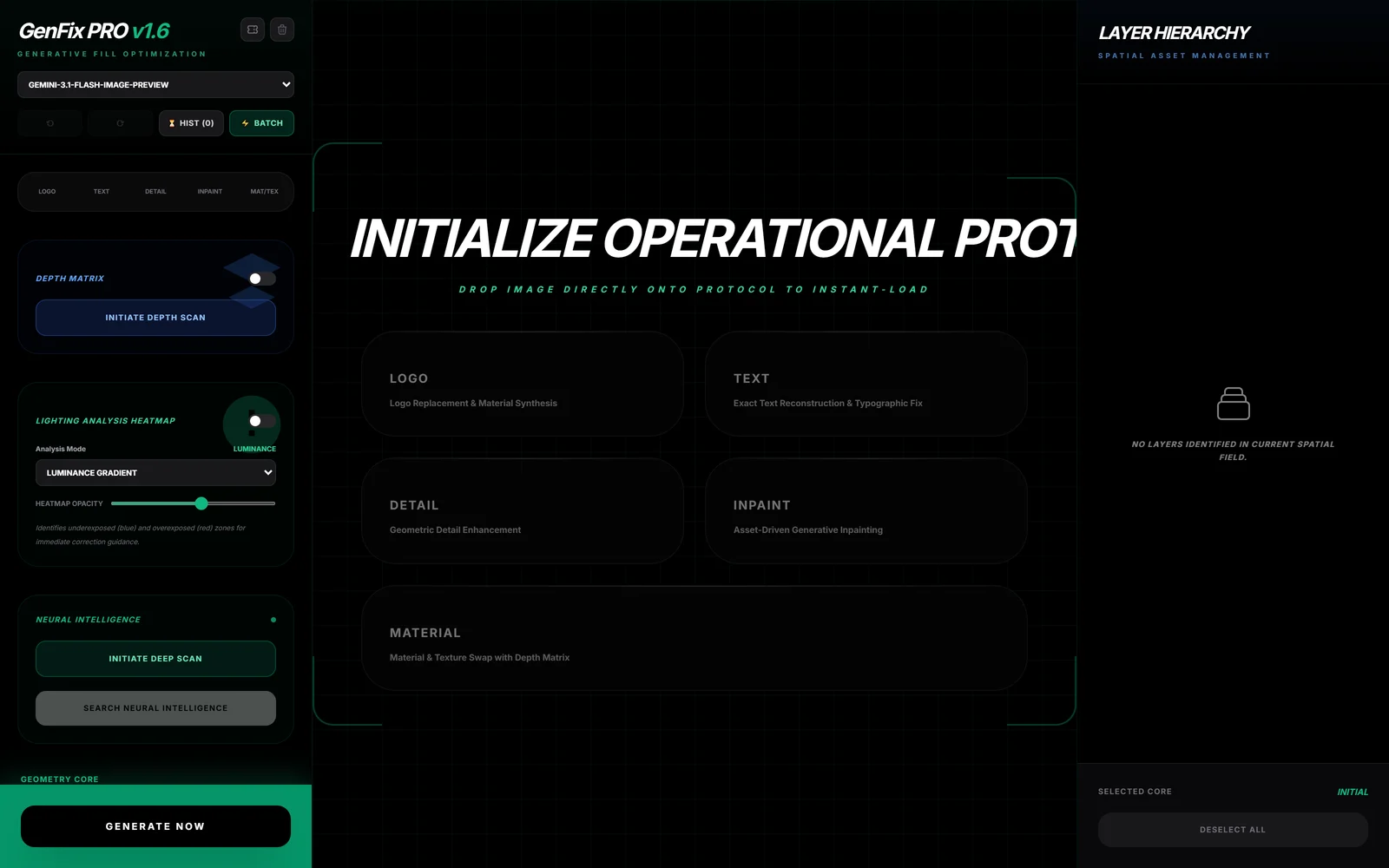 High-fidelity text reconstruction, logo replacement and pattern synthesis.LoumiNova AI
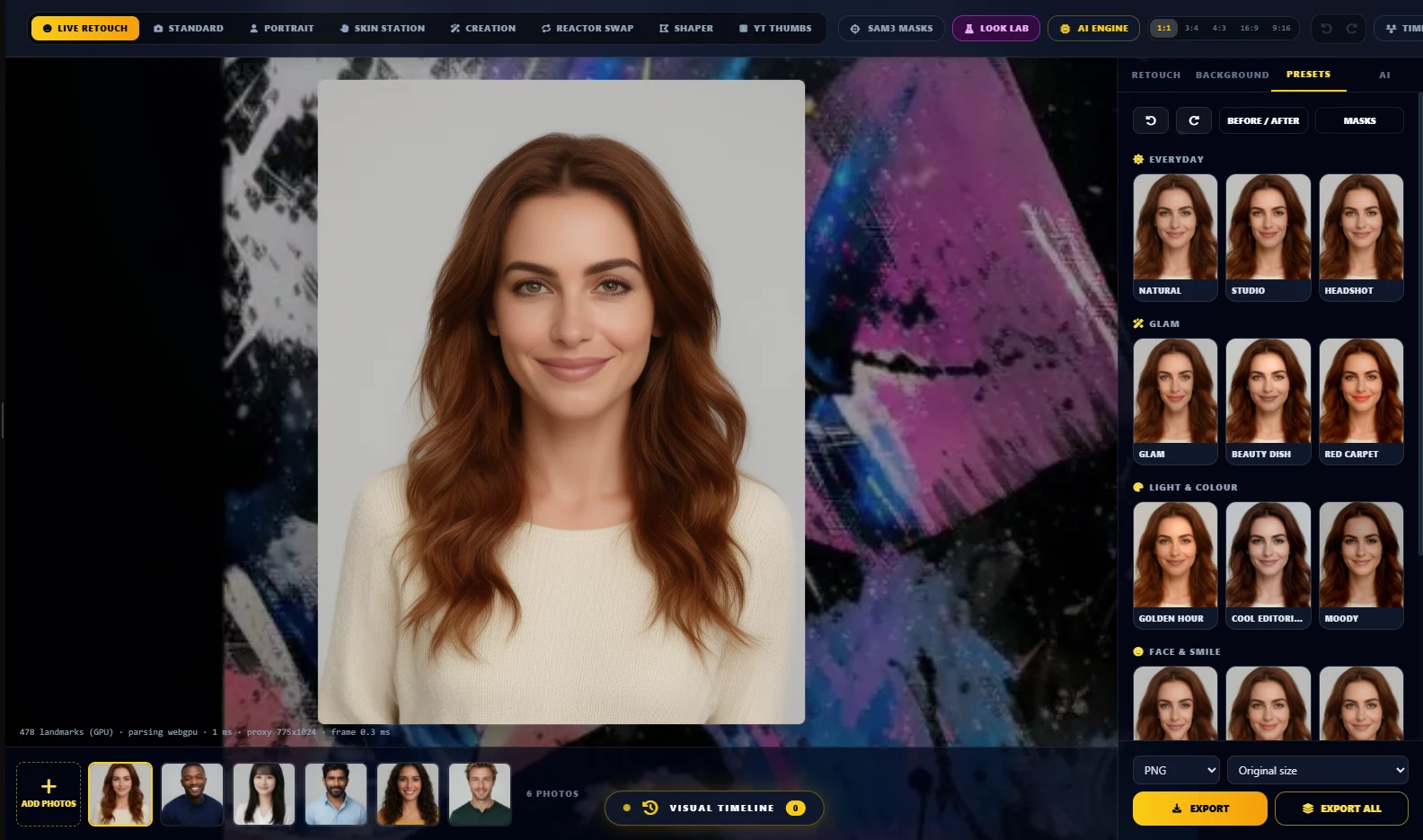 Retouch portraits live on your own machine, then apply the look to the whole shoot.Idea Lab
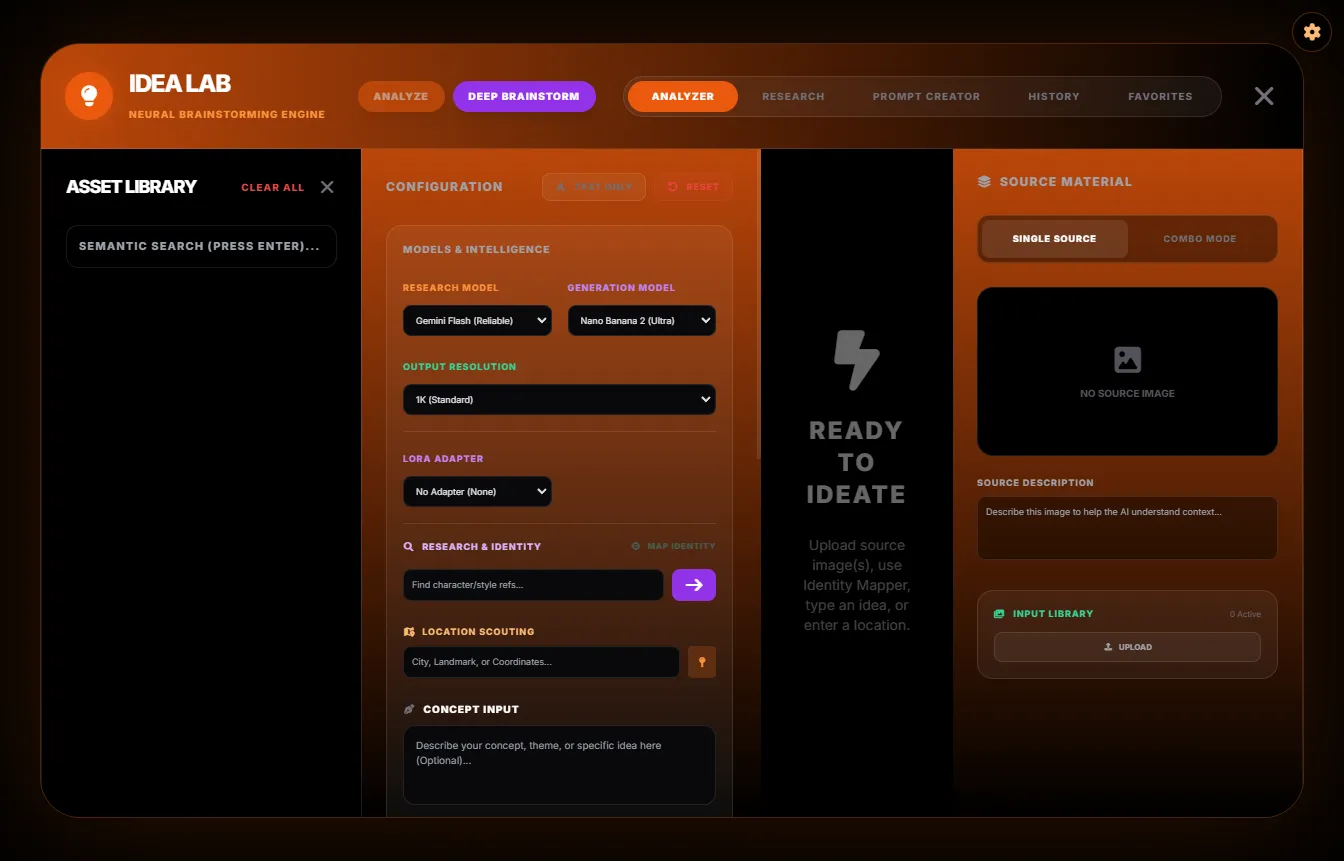 Turn a picture, a pile of references or a half-idea into prompts that work.XenoViolet
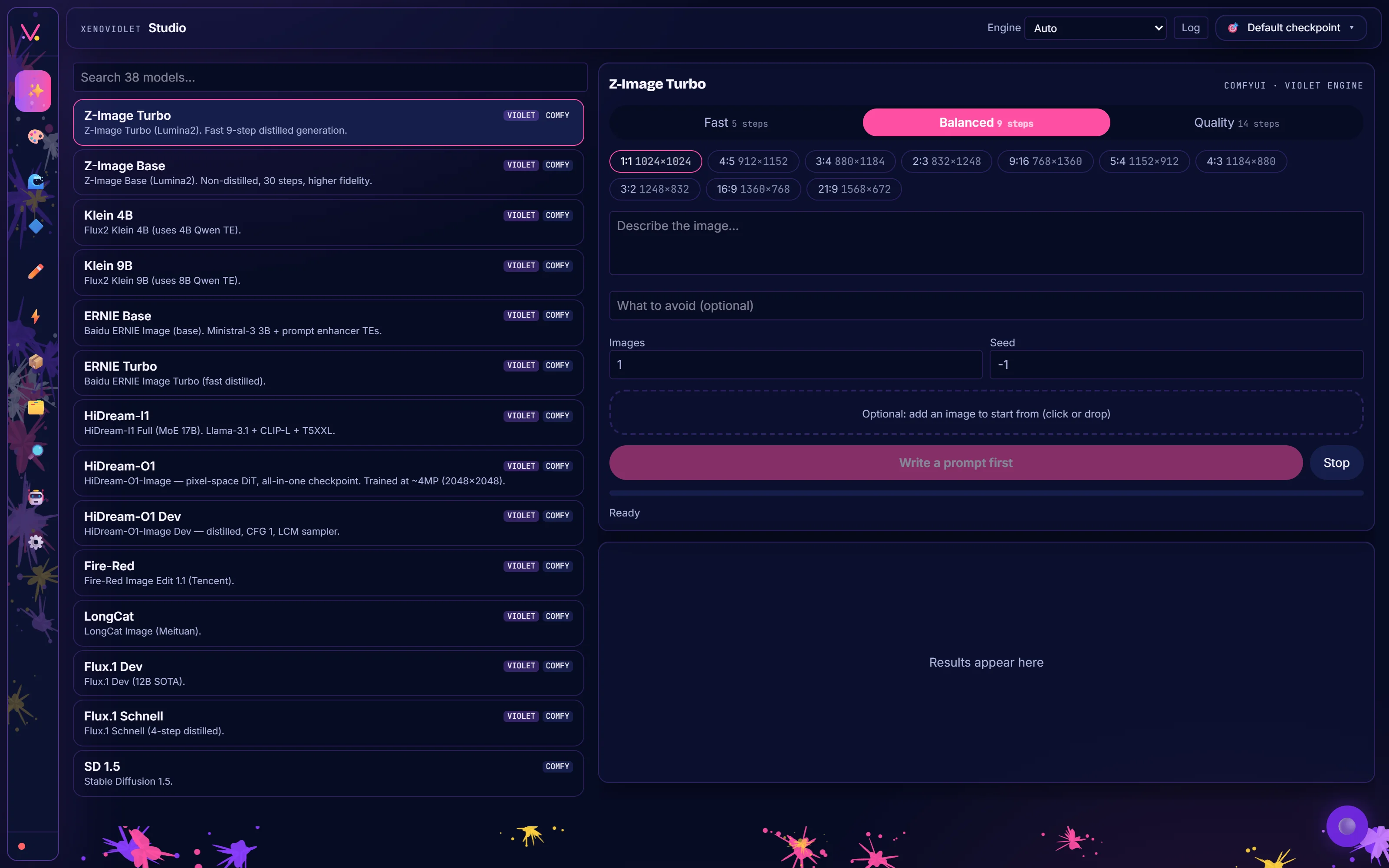 One image app: ComfyUI when you want nodes, the Violet Engine when you do not.CivitAI BrowserNo screenshot yetOne model browser that looks and works the same in every VIOLINET app.Plugin Marketplace
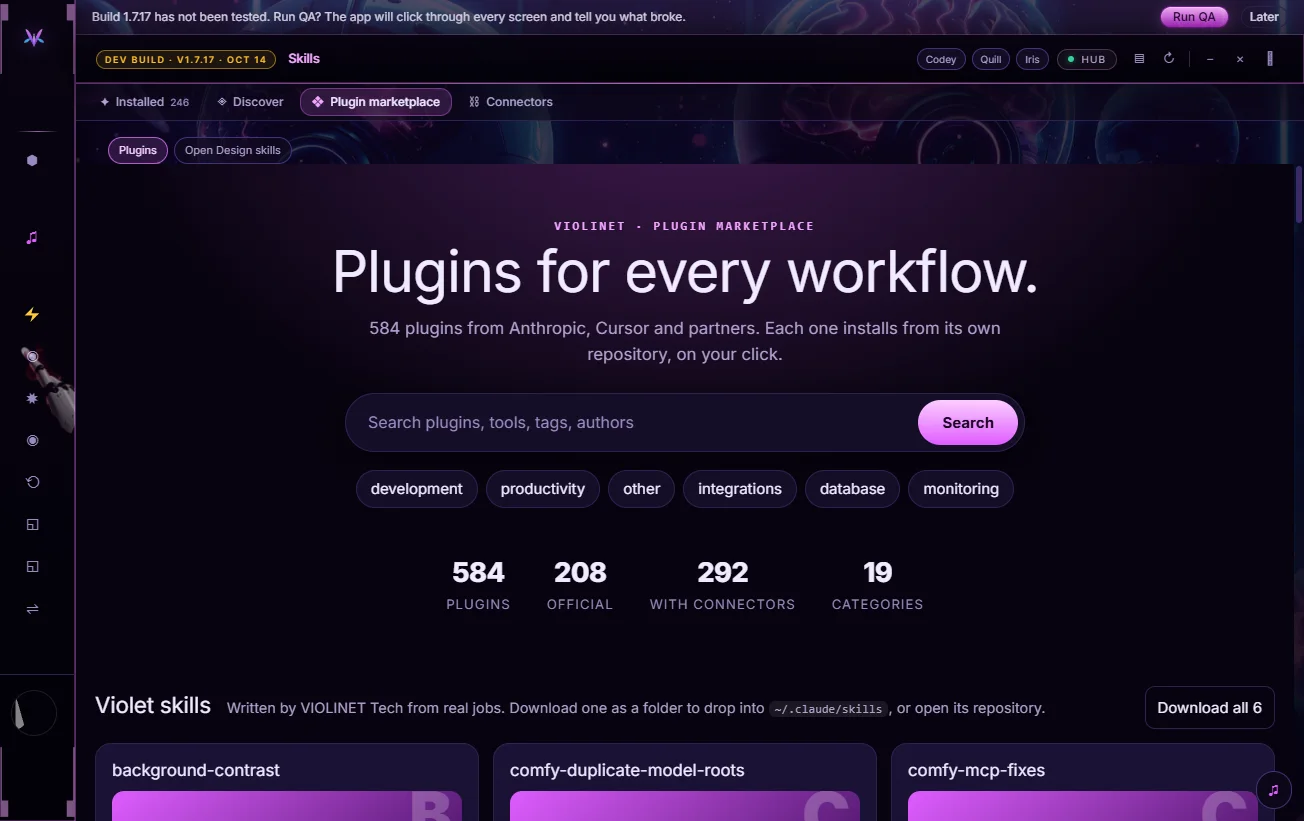 Plugins and skills for every workflow, one click from VIOLINET OS.SVIG
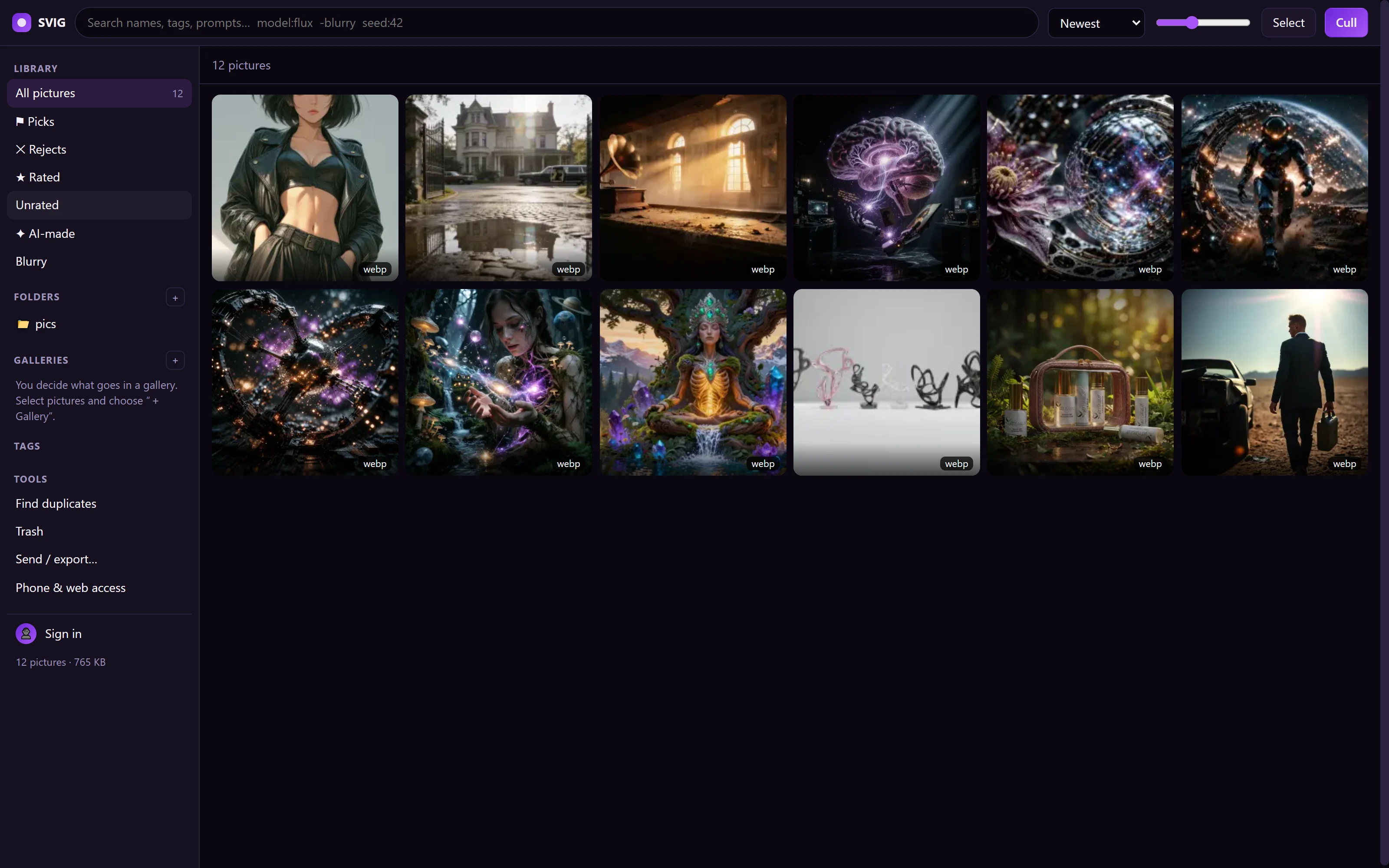 Sort, crop and rename a whole folder of pictures, on your own computer.
A creative department in one window.PortrAIt StudioNo screenshot yetA neural darkroom: re-render camera angles in 3D, then develop the print.ComfyRAM ManagerFrees the memory ComfyUI is still holding, before the next run fails.bashmeHolds what an agent wants to run until a person agrees.Violet PairNo screenshot yetSend a generation job to whichever GPU in the house is free.Solar Violet NodesTyped loaders, a LoRA loader that scrolls and grows with your stack, and model browsers that find duplicates in every ComfyUI folder.Violet WildcardsFind, write, test and use the word lists your prompts draw from. 35 word lists, ten picker slots.QuantaVioletTurn a checkpoint into a GGUF you can load. Krea 2 included.Violet VaultNo screenshot yetSign in once. See what you own, what you can get and what is coming.Violet AssistantNo screenshot yetAsk why a workflow fails, what a node does, or where a model file belongs.VIOLYNKNo screenshot yetSend files, share the clipboard, show a screen, move one mouse across them.File SDMSize does matter. Resize, convert and crop a folder of images without any of them leaving the machine.ArtPi6Angles, art styles, depth-map canvas, and an idea lab — one workspace, any model you have.GenFixHigh-fidelity text reconstruction, logo replacement and pattern synthesis.LoumiNova AIRetouch portraits live on your own machine, then apply the look to the whole shoot.Idea LabTurn a picture, a pile of references or a half-idea into prompts that work.XenoVioletOne image app: ComfyUI when you want nodes, the Violet Engine when you do not.CivitAI BrowserNo screenshot yetOne model browser that looks and works the same in every VIOLINET app.Plugin MarketplacePlugins and skills for every workflow, one click from VIOLINET OS.SVIGSort, crop and rename a whole folder of pictures, on your own computer.